Answer engine optimization for local businesses
Answer engines now recommend local businesses by name. What gets you there is accurate listings, clear pages and open crawlers, not new tricks. Here is the work.
On this page
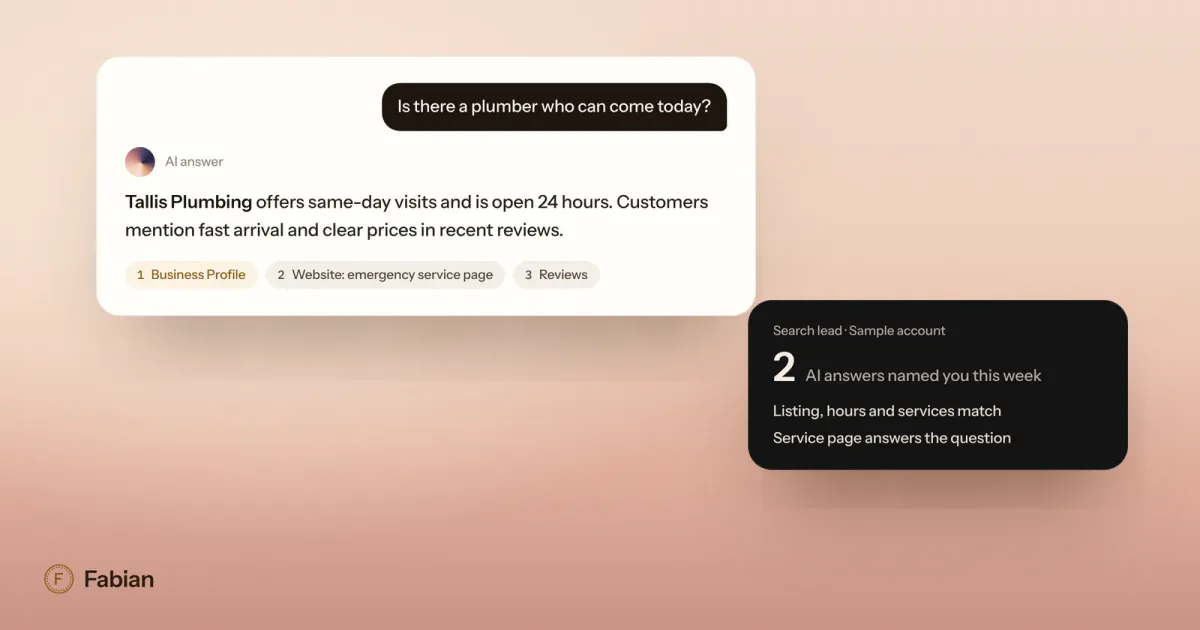
When someone asks ChatGPT, Google’s AI Mode or Copilot for “a plumber who can come today,” the answer names a few businesses and cites where it found them. Answer engine optimization, or AEO, is the work of making your business one of those names. For a local business, most of it is the local search work you may already do, done more carefully: complete and consistent listings, a website that answers real questions in plain text, and crawlers that are allowed in.
Google says much the same. Its guide to optimizing for generative AI features in Search explains that these features are rooted in its core ranking and quality systems, and that you don’t need new machine-readable files, AI text files or special markup to appear in them. The details below are where local businesses tend to fall short.
Where answer engines get local answers
Each engine leans on different sources, so it helps to know them.
- Google AI Overviews and AI Mode retrieve pages from Google’s search index. Google says Business Profiles can help your products and services show up in AI responses as well as in regular results.
- ChatGPT finds pages with its search crawler, OAI-SearchBot. OpenAI’s help center also says ChatGPT search may share queries with third-party search providers such as Bing. And through a data licensing partnership with OpenAI, Yelp ratings and reviews now power ChatGPT’s local answers in relevant categories.
- Microsoft Copilot is built on Bing. Microsoft recommends that local businesses keep their address, hours and contact details current in Bing Places so they stay eligible for AI-generated answers.
- Perplexity uses its own crawler, PerplexityBot, to surface and link websites in its answers.
The pattern holds across all four. An engine recommends what it can find, check and quote, so your job is to put consistent facts in the places it looks.
Start with your listings
Listings are where answer engines check the basics: what you do, where you are, when you’re open and what customers say.
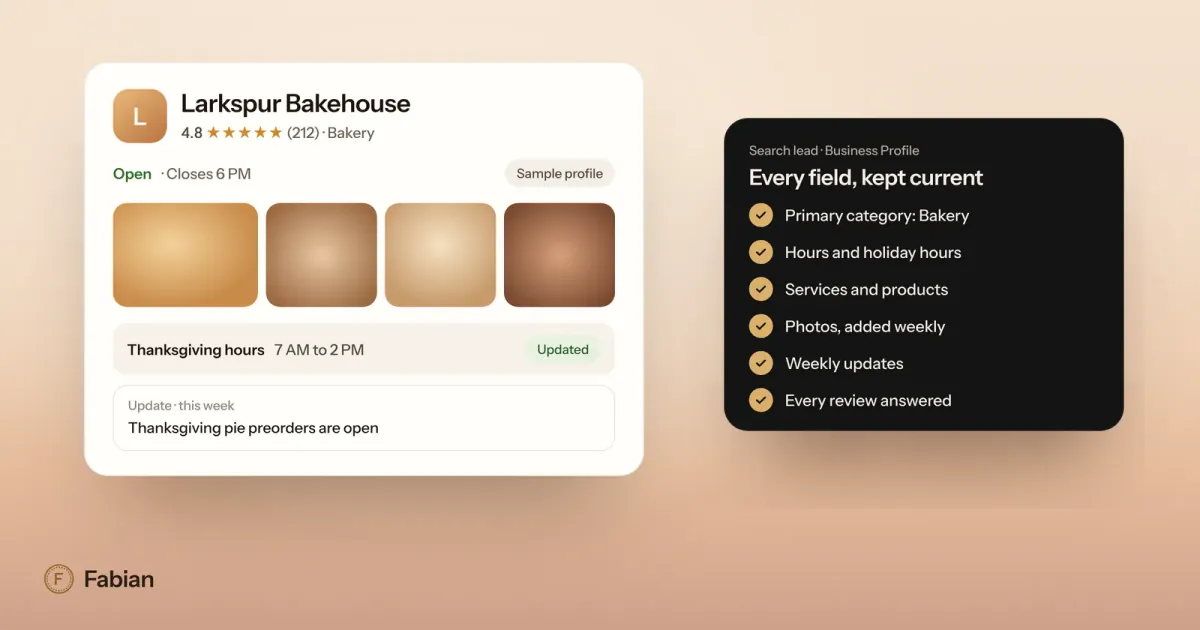
- Google Business Profile. Fill in every field, keep hours current (holiday hours included), choose the right primary category, list your services and post photos of real work. Our Google Business Profile checklist walks through each field.
- Bing Places. It is free at bing.com/forbusiness, and you can import your Google profile instead of starting from scratch.
- Yelp. Claim your listing, correct the details and add photos, since its ratings and reviews now reach ChatGPT.
- Everywhere else your name appears. Keep the business name, address and phone number identical across directories, social profiles and your website. Details that disagree make a business harder to confirm.
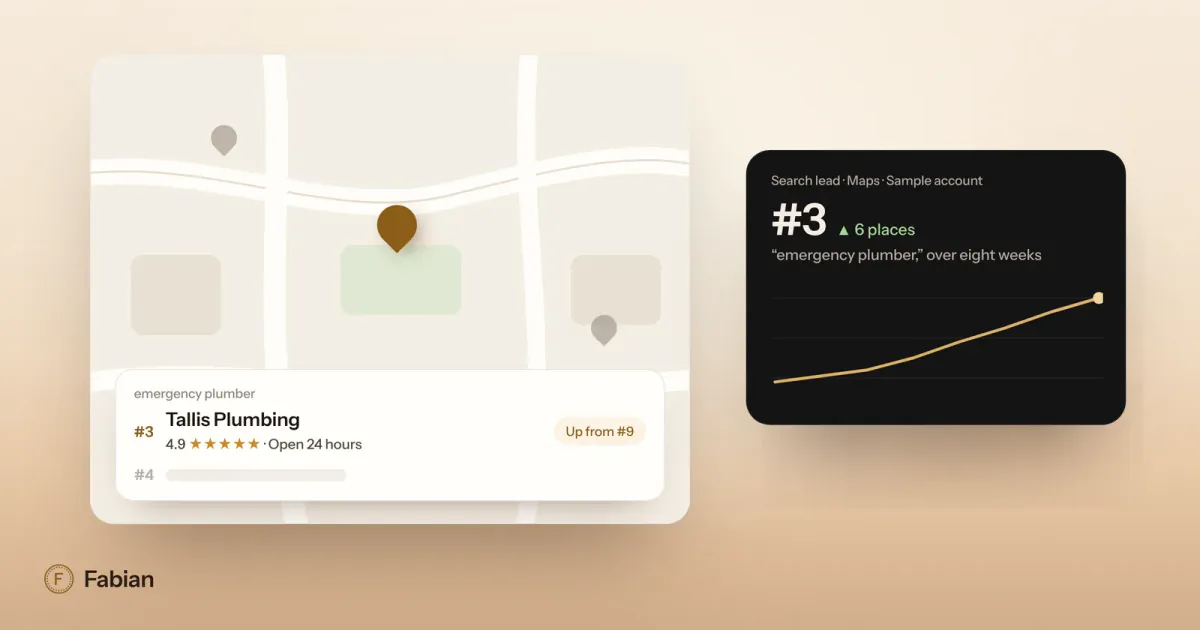
Google’s own advice for local ranking makes the same point: businesses with complete and accurate information are more likely to show up in local results. If you also want to move up in the map pack itself, our guide on how to rank higher on Google Maps covers what counts.
Write pages that answer real questions
Answer engines quote text that answers a question clearly. Most local websites bury that answer under a slogan or inside a photo.
- One page per service. “Water heater replacement” deserves its own page, with what it costs (a range is fine), how long it takes, the areas you serve and how to book.
- Answer first. Put the direct answer in the first sentence under each heading, then the detail. “Yes, estimates are free for jobs over $500” beats a paragraph about your values.
- Use the words customers use. If people ask for “same day,” “emergency” or “open Sunday,” and it is true, say it on the page in those words.
- Add a short FAQ to each service page, with each question as a heading and a short answer under it.
- Keep facts in text. Prices and hours inside an image or a PDF are hard to quote. If you use structured data, Google asks that it match what the page shows.
For Tallis Plumbing, a sample business we use as an example, that means a water heater page that opens with “We replace water heaters across Pasadena and Glendale, usually the same day, starting at $1,400 installed,” rather than “Your comfort is our mission.”
Let the right crawlers in
An engine can’t recommend a page it isn’t allowed to read. Open your robots.txt file (yoursite.com/robots.txt) and make sure it doesn’t block the crawlers that power search answers. A plain version looks like this:
User-agent: Googlebot
Allow: /

User-agent: Bingbot
Allow: /

User-agent: OAI-SearchBot
Allow: /

User-agent: PerplexityBot
Allow: /

User-agent: Claude-SearchBot
Allow: /
A few details matter here:
- Search crawlers and training crawlers are separate. OpenAI’s crawler documentation explains that OAI-SearchBot decides whether a site can appear in ChatGPT search answers, while GPTBot collects content that may be used for training. You can allow one and block the other. Google works the same way: Google-Extended controls whether Google’s other AI systems can use your content for training and grounding, and Google says it is separate from Search, so blocking it does not take you out of AI Overviews.
- User-requested fetches work differently. When a person asks ChatGPT or Perplexity to read a specific page, their fetchers (ChatGPT-User and Perplexity-User) may not follow robots.txt, because a person asked for the page.
- Check your host, not only the file. Some hosting and security services can block bots before they ever reach robots.txt. Google asks site owners to allow crawling in their CDN or hosting setup as well as in the file.
- Changes take a little time. OpenAI says a robots.txt update can take about 24 hours to reach its search systems.
Do you need an llms.txt file?
llms.txt is a proposal, first published in 2024, for a Markdown file that summarizes a site and links to its key pages for AI tools; the llms.txt proposal describes the format. Some AI tools may read it. Google Search does not: its guide says Search doesn’t use these files and you don’t need one to appear in its AI features.
If your web team can publish one in a few minutes, it does no harm. Just don’t expect it to move you in Google, and don’t let it take the place of the listing and page work above.
Reviews still do the persuading
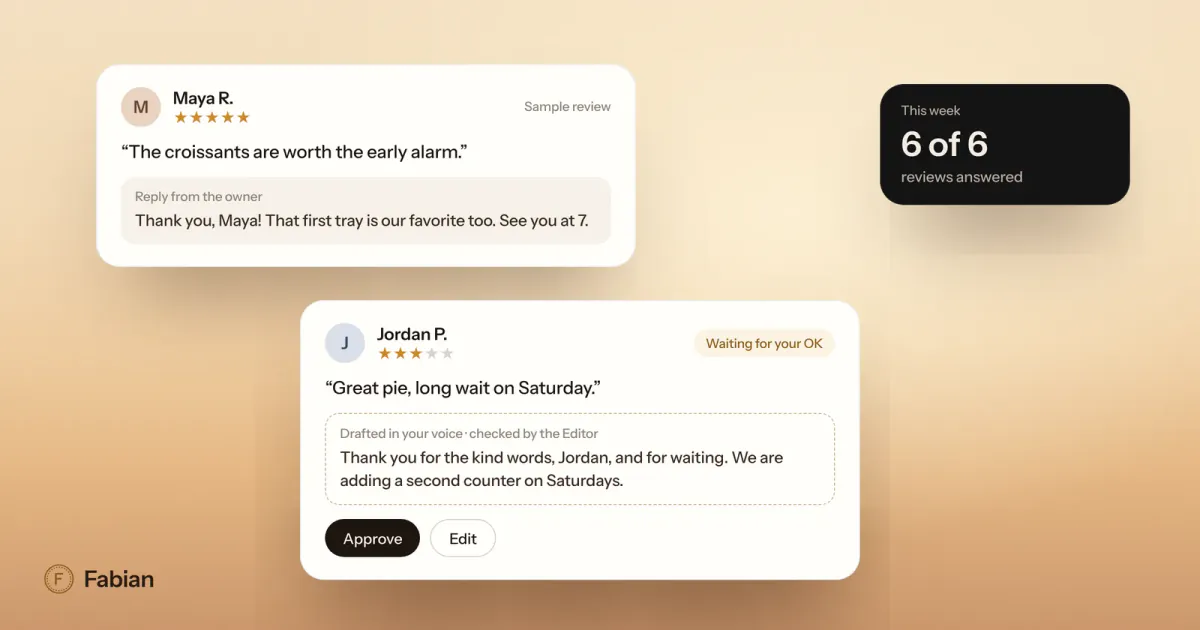
Reviews matter twice. Google’s local ranking help says more reviews and positive ratings can help your local ranking, and reviews are written in the same plain words customers type into an answer engine. A steady flow of recent reviews, each with a thoughtful reply, gives the engines fresh, specific text about what you do well.
Ask every happy customer, make it easy with a direct link to your review form, and answer every review, the critical ones included. Our guide on how to respond to Google reviews has replies you can adapt.
Measure what you can
Measurement is still rough, but there is more of it than a year ago:
- Google Search Console added generative AI performance reports for Search and Discover in 2026. They show how often links to your pages appear in Google’s generative AI features, such as AI Overviews and AI Mode, by page, country and date. They show impressions only, not clicks or queries, and a report appears only once your site has enough impressions.
- Bing Webmaster Tools has an AI Performance report, launched in public preview in February 2026, that shows how often Copilot, Bing’s AI summaries and select partner experiences cite your pages. Microsoft’s announcement of the report also recommends Bing Places for local details.
- Your analytics shows visits referred by chatgpt.com and other AI assistants, which tells you whether those answers send people your way.
- Your customers will tell you if you ask. Add “an AI assistant like ChatGPT” to the options wherever you ask how people found you.
If you would rather not run this every week, it is part of the daily routine of Fabian’s marketing team: the Search lead keeps your Business Profile current and tracks the searches that matter to you, and the results arrive in your 7:00 AM brief.
Frequently asked questions
What is the difference between SEO and answer engine optimization?
SEO aims to rank your pages in search results. Answer engine optimization aims to get your business named and cited inside the answer itself, in tools like ChatGPT, Google AI Overviews and Copilot. The work overlaps heavily: answer engines lean on search indexes and business listings, so clear pages, accurate listings and a site crawlers can read help with both.
How do I get my business recommended by ChatGPT?
Make your business easy to find and verify. Allow OAI-SearchBot in your robots.txt file, keep your Google, Bing and Yelp listings complete and consistent, and publish service pages that answer common questions in plain text. ChatGPT search may also use third-party providers such as Bing, so make sure your site is indexed there and your Bing Places listing is current.
Does blocking GPTBot remove my site from ChatGPT search?
No. OpenAI says GPTBot collects content that may be used to train its models, while OAI-SearchBot is what surfaces sites in ChatGPT search answers. You can block GPTBot and still allow OAI-SearchBot. Sites that block OAI-SearchBot will not be shown in ChatGPT search answers, though OpenAI notes they can still appear as navigational links.
Do I need an llms.txt file for AI search?
Not for Google. Google’s guide says you don’t need new machine-readable files or AI text files to appear in its generative AI features, and that Google Search doesn’t use them. Some other AI tools may read llms.txt, so publishing one is harmless, but accurate listings, clear service pages and open crawlers matter far more for a local business.
How long does it take to show up in AI answers?
There is no set timeline. OpenAI says a robots.txt change reaches ChatGPT search in about 24 hours, while Google notes that recrawling a page can take anywhere from days to months. Answer engines work from what they have already crawled and indexed, so keep your listings and pages accurate and give each change time to be picked up.