How to rank higher on Google Maps
Google ranks Maps results on three things: relevance, distance and prominence. Here is what you can change, what you cannot, and the habits that move you up over time.
On this page
To rank higher on Google Maps, give Google a complete and accurate profile, earn a steady stream of genuine reviews, make your website back up what the profile says, and get mentioned and linked by other local sites. Google describes three main factors behind local results: relevance, distance and prominence, which Google also calls popularity. You can improve the first and the third. The second depends on where the customer is standing.
There is no shortcut. Google states plainly in its guide to improving your local ranking that there is no way to request or pay for a better local ranking. What follows is what does work, and what can get your profile suspended.
How Google decides who shows up
Picture someone in your neighborhood typing “emergency plumber” at 9 PM. Google looks at three things.
- Relevance is how well your profile matches the search. A profile that clearly says it is a plumber, lists emergency repairs as a service and shows evening hours is a strong match.
- Distance is how far you are from the person searching. If they do not share their location, Google uses what it knows about where they are.
- Prominence is how well known your business is. Google says this draws on information like how many websites link to you and how many reviews you have, and that more reviews and positive ratings can help.
Every move below improves one of these, so it helps to know which lever you are pulling.
Relevance: tell Google exactly what you do
Many ranking problems start here, with a profile that is vague about what the business does.
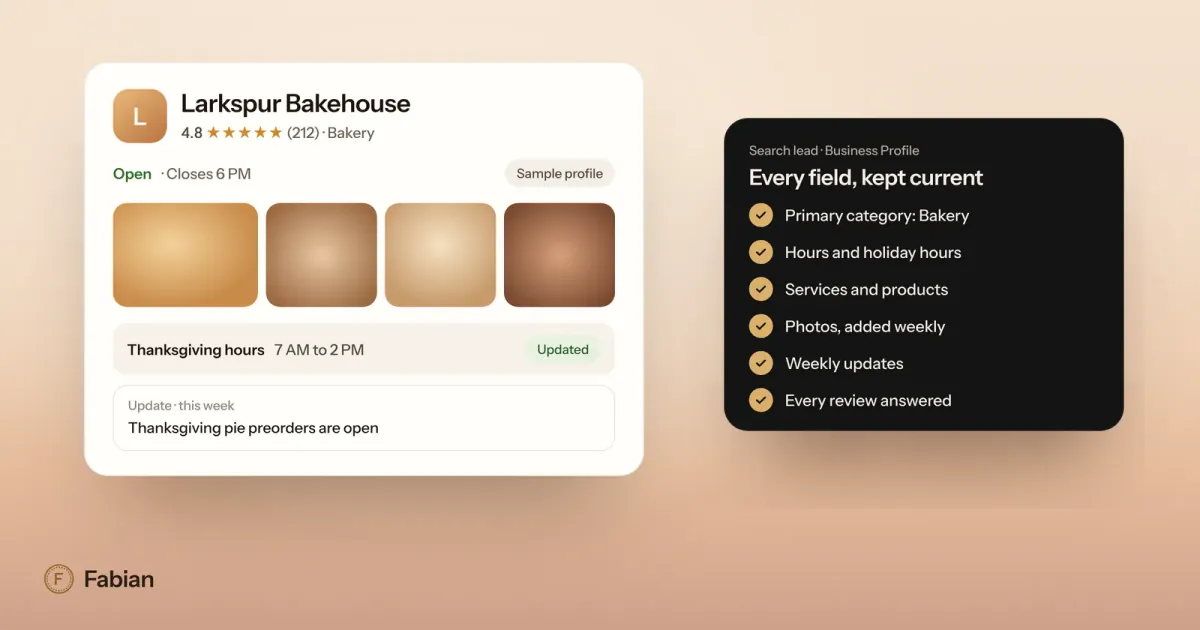
- Primary category. Choose the most specific category that fits. It is the field that tells Google what kind of business you are.
- Additional categories. Add the few that describe real parts of the business, and skip the rest.
- Services. List each service by the name customers use. “Drain cleaning,” “water heater repair” and “sewer line inspection” match more searches than a single line that says “plumbing.”
- Description, hours and attributes. Fill them in completely and keep them true. If you take emergency calls at night, your hours and services should say so.
Our Google Business Profile optimization checklist walks through every field in order.
Distance: what you can and cannot change
You cannot move your business closer to every customer, and Google is strict about attempts to fake it.
- Use your real address. Google does not allow virtual offices or remote mailboxes, and listing one puts the profile at risk of suspension.
- If you travel to customers, hide your address and set a service area. Google says a service area should not reach farther than about two hours of driving from where you are based. The service area tells customers where you go.
- Expect rankings to change across town. The same search can show you third near your shop and off the first screen ten miles away. That is distance at work, not a penalty.
This is also why checking your rank from your own desk is misleading. You are standing on top of your business. Check from several points across the area you serve, or read the search terms in your profile’s Performance view to see what people actually typed before they found you.
Prominence: reviews, links and mentions
Prominence is where steady effort pays off, because it builds over months.
Reviews
Google says the number of reviews and positive ratings can help your local ranking. Aim for a steady flow: a few new reviews every week keeps your profile current for the next customer, while a burst of forty in one month and nothing after looks stale by spring.
- Ask every customer the same way, with your review link or QR code from the profile.
- Do not offer anything in exchange, and do not ask only the customers you expect to be happy. Google’s policies prohibit both.
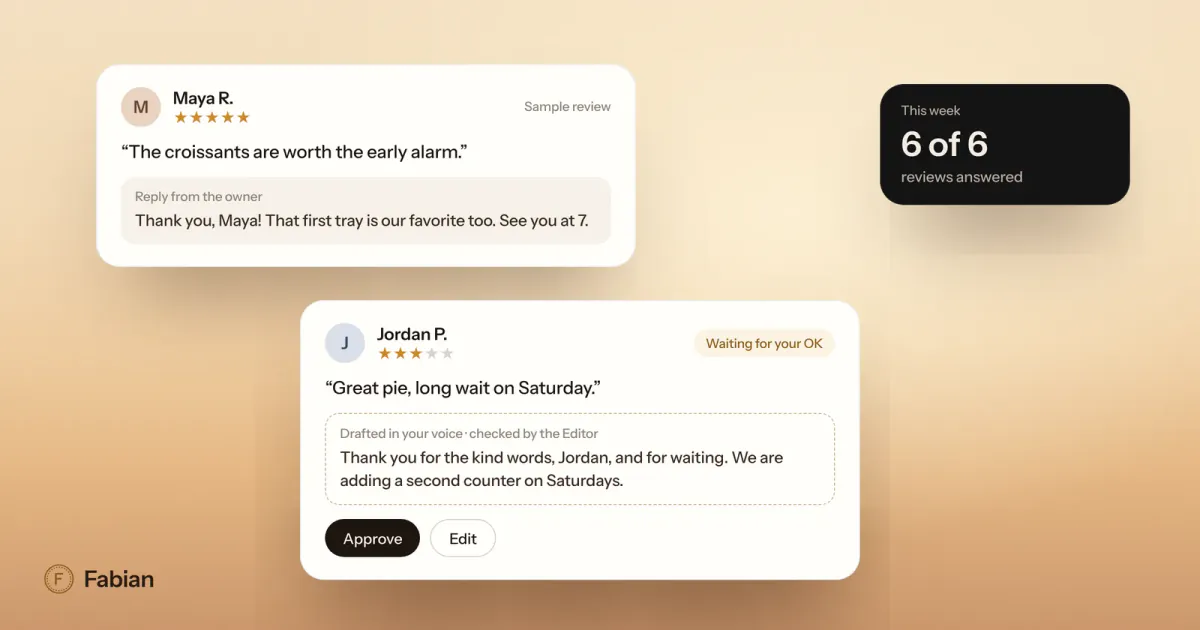
- Reply to every review. Responding to reviews is one of Google’s own tips for improving local ranking, and our guide on how to respond to Google reviews has templates.
Links and mentions
Links from other websites are part of prominence too. For a local business, the best ones come from real relationships:
- Your chamber of commerce, business association or main street group.
- Local teams, schools and events you sponsor.
- Local news stories, neighborhood blogs and community calendars.
- Suppliers and partners who list where their products are sold or who they work with.
- The directories that matter in your trade, like a state dental association for a dentist or a licensing board listing for a contractor.
Keep your business name, address and phone number written the same way everywhere they appear. It makes each mention easy to match to your business.
Photos and posts
Adding photos and videos is on Google’s list of ways to improve your ranking, and regular posts show the business is active. A few new photos a month and a weekly post is enough.
Make your website back up your profile
Your profile and your website should tell the same story.
- Link the profile to the right page. A business with several locations should link each profile to that location’s page.
- Put your name, address, phone number and hours on the site, matching the profile exactly.
- Give each main service its own page that says what it is, where you offer it and what it costs or how pricing works.
- Make sure the site loads quickly and reads well on a phone, since many local searches happen on one.
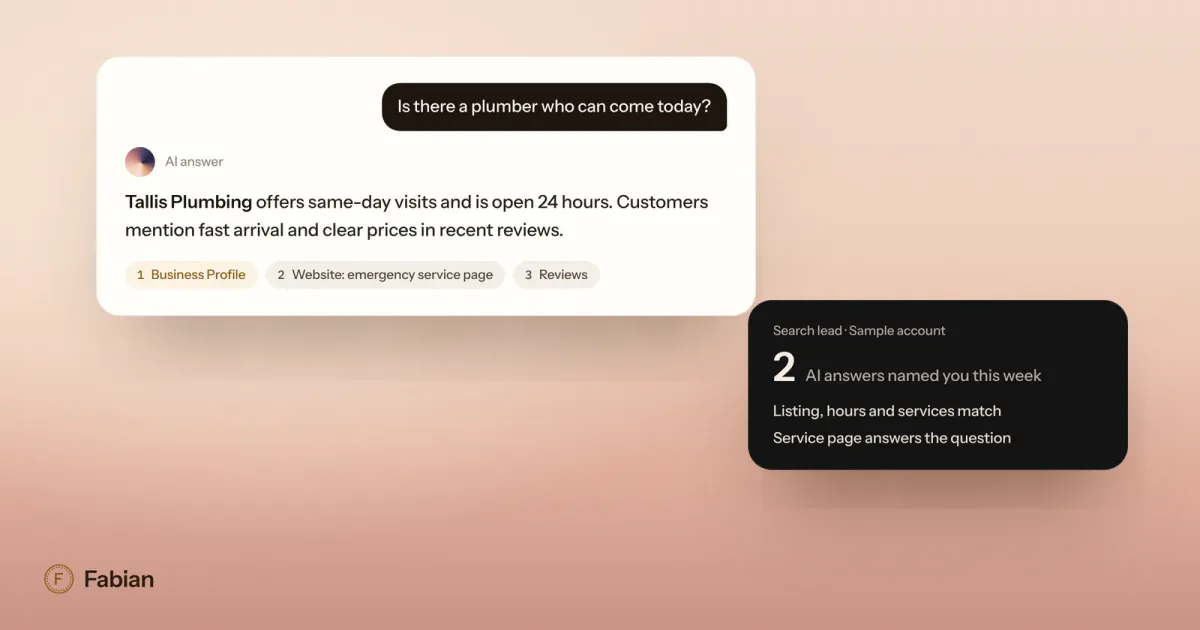
A plumber whose site has a clear page for water heater repair in its city backs up the profile’s “water heater repair” service with a page that both Google and customers can read.
What does not work, and what can get you suspended
Google says it may suspend profiles that do not follow its guidelines for representing your business, and an appeal can only be submitted once. These are the moves that put a profile at risk:
- Keywords in the business name. “Tallis Plumbing, Best Emergency Plumber Downtown” is not your name. Use the name on your sign.
- Fake or virtual addresses, or a second profile for the same location.
- Fake, bought or rewarded reviews. Google prohibits them, and in the US the FTC’s rule on consumer reviews, in effect since October 2024, bans buying fake reviews or paying for reviews of a particular sentiment.
- Review quotas for staff. Google’s review policy also bars asking staff to collect a set number of reviews, or reviews that include specific content, such as an employee’s name.
- Paying for placement. Ads can appear on Maps through Google Ads, but Google treats them separately from your unpaid listing. No payment changes where your profile ranks.
How to track your progress
Rank moves slowly, so measure monthly, not daily.
- Performance view. Your profile shows views, the search terms people used to find you, calls, direction requests and website clicks. Calls and direction requests are the numbers that pay the bills.
- Rank checks across your area. Check the searches that matter most from several points in your service area once a month, and keep the results so you can compare.
- Reviews. Track how many new reviews arrive each month and how many you replied to.
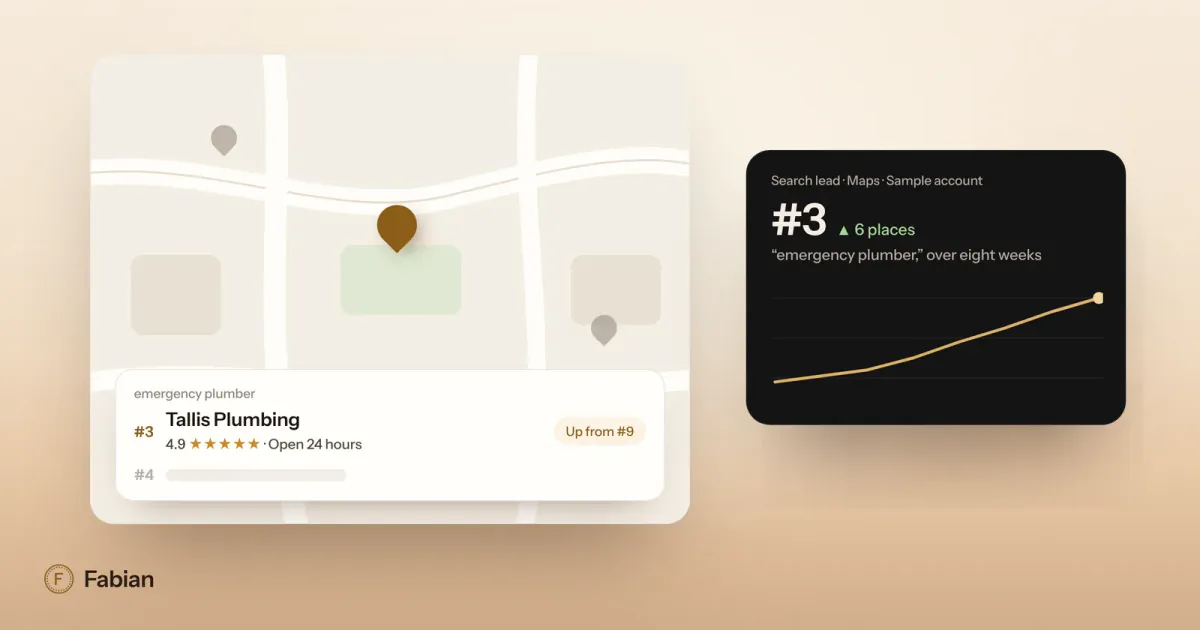
For example, the sample business Tallis Plumbing would watch “emergency plumber,” “water heater repair” and “drain cleaning” from five points around its service area, and expect movement over a season, not a week.
If you would rather have this watched every day, Fabian does it for you. Its Search lead keeps your profile current and tracks your rankings for the searches that matter, and you get a weekly report with every number linked to its source.
Frequently asked questions
How long does it take to rank higher on Google Maps?
There is no fixed timeline. Profile fixes, like a better category or complete services, take effect once Google reviews the edits, which usually takes minutes and sometimes up to thirty days. Prominence builds more slowly, because reviews and links add up over months. Measure the searches that matter once a month from several points in your area, and judge progress over a season rather than a week.
Can I pay Google to rank higher on Maps?
No. Google says there is no way to request or pay for a better local ranking. You can run Google Ads campaigns that show ads on Maps, such as promoted pins, but Google treats those separately from your unpaid listing. Where your profile ranks on its own depends on relevance, distance and prominence, not on what you spend on ads.
Do more Google reviews help Maps ranking?
Yes, according to Google. Prominence is partly based on how many reviews you have, and Google says more reviews and positive ratings can help your local ranking. Ask steadily rather than in one push, ask every customer the same way, never offer anything in exchange, and reply to each review so new customers see how you treat people.
Should I put my city or a keyword in my business name?
No. Google’s guidelines say your business name should match your real-world name, as it appears on your sign and website, and do not allow unnecessary information such as cities, taglines or service keywords. Adding them can get your profile suspended. Put your services and service area in the fields made for them, and let your categories describe what you do.
Why do I rank well on my phone but customers say they cannot find me?
Because distance is one of the three factors, and you are usually searching from inside or near your business. A customer two miles away sees a different set of results. To see what customers see, check the searches that matter from several points across your service area, and read the search terms in your profile’s Performance view.