How to optimize your Google Business Profile, step by step
Your Google Business Profile is often the first thing a customer sees. Here is how to fill in every field, pick the right categories and keep it current in fifteen minutes a week.
On this page
Many customers meet your business on Google before they ever reach your website. They see your hours, your photos, your reviews and a button to call or get directions, and many of them decide right there. Optimizing your Google Business Profile means making that first look accurate and complete: verify the profile, fill in every field that applies, choose categories carefully, keep hours current, add real photos, post updates and reply to reviews.
The setup takes one focused afternoon. Keeping it right takes about fifteen minutes a week. Here is the checklist, in the order we would work through it.
Start with verification and the basics
Verify your profile first. Google says verification shows you are authorized to represent the business and makes it more likely to appear in results. It also opens up the rest: photos only appear on Google after verification, and you cannot reply to reviews until you are verified.
Then get the basics exactly right.
- Business name. Use the name on your sign, your website and your receipts. Google’s guidelines for representing your business do not allow extra information in the name, so no taglines, cities or service keywords. “Tallis Plumbing” is right. “Tallis Plumbing, 24 Hour Emergency Plumber Downtown” is a guideline violation, and those can get a profile suspended.
- Address or service area. If customers come to you, show your full address. If you go to them, like a plumber or a mobile groomer, hide the address and set a service area. Google says a service area should not reach farther than about two hours of driving from where you are based. Virtual offices and remote mailboxes are not eligible.
- Phone. Use a number that rings at the business. You can add two more numbers besides the main one.
- Website. Link to the page that matches the profile. A business with several locations should link each profile to that location’s page, not the homepage.
Pick categories the way customers search
Your primary category is the field that tells Google what kind of business you are. Pick the most specific option that fits. Google’s own example: choose “Nail salon,” not “Salon.”
You can add up to nine more categories, but more is not better. Google asks you not to add a category for every product or service, only for real parts of the business. A dental practice might use “Dentist” as its primary category and add “Cosmetic dentist” and “Emergency dental service” only if it truly offers both. A bakery that pours real coffee all morning can add “Coffee shop.” A bakery that sells bottled cold brew should not.
One caution: changing or adding a category can prompt Google to ask you to verify again. Settle your categories once and leave them alone.
Write a description that answers real questions
The description holds up to 750 characters. Google does not allow links or HTML in it, and asks that it focus on the business rather than sales, prices or promotions. Promotions belong in posts.
The first lines may be all a customer sees at first, so lead with what matters most. A simple structure works:
- What you are and who you serve.
- What you are known for, in the words customers use.
- Practical details people ask about: parking, booking, languages, accessibility.
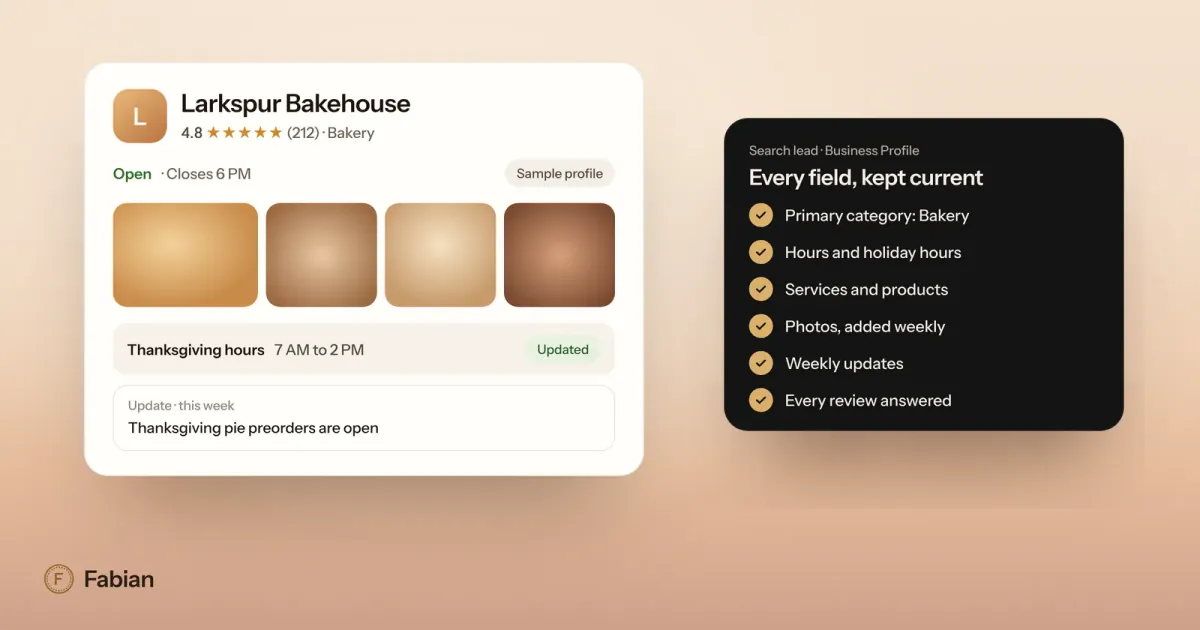
For example, the sample Larkspur Bakehouse might write: “Larkspur Bakehouse is a neighborhood bakery baking sourdough, croissants and seasonal pies every morning from 6 AM. We take party tray and holiday pie orders a week ahead, keep a gluten-free shelf daily, and have street parking and a bike rack out front.”
Keep hours right, including the days that change
Wrong hours cost you twice: a customer drives over to a locked door, and then writes about it. Google gives you four tools here.
- Regular hours for a normal week.
- Special hours for holidays and one-off changes, for up to six days in a row. Google suggests confirming holiday hours even when they match your regular hours, so customers know they are current.
- More hours for parts of the business on a different schedule, like delivery, pickup or senior hours.
- Temporarily closed for a closure of seven days or more.
Set special hours as soon as you know them, not the night before. If Larkspur closes at noon on Thanksgiving, that change should be on the profile two weeks ahead.
Fill in services, products, menus and attributes
These fields are where many profiles stay thin, and they are where Google gets the detail that matches you to specific searches.
- Services. Service businesses can pick from suggested services and add custom ones with a short description. Name them the way customers do: “Water heater repair,” not “Thermal systems.” Google asks you to keep prices and phone numbers out of custom service names, and it rejects custom services that break its policies.
- Products. Retailers can add products by hand with Google’s product editor, and eligible stores in a few countries, including the US, can show what is in stock.
- Menu. Food and drink businesses can add a menu directly. Keep it in step with the real one.
- Attributes. These are the yes or no details: Wi-Fi, outdoor seating, wheelchair-accessible entrance, women-owned or veteran-owned, and more. Some attributes are filled in from customer input, so check yours and correct anything wrong. Google says edits usually take about ten minutes to review, and sometimes up to thirty days.
- Links and contact options. Add your social profiles and, where Google offers it, a text message or WhatsApp contact. Google’s built-in chat ended in July 2024, so if customers used to message you there, give them a text or WhatsApp option instead.
Add photos people actually want to see
Photos tell people what it is like to walk in, and they are one of the easiest parts of your profile to improve. Google’s photo guidelines ask for JPG or PNG files between 10 KB and 5 MB, at a recommended 720 by 720 pixels, in focus, well lit and without heavy filters. Videos can run up to 30 seconds.
Cover the basics first: your logo, a cover photo, the outside of the building so people recognize it, the inside, your products or finished work, and your team at work. Then add a few new photos every month. A plumber’s best photos are often clean before and after shots of a real job. A skin studio’s are the treatment room and the people who work there.
Keep it active: posts, reviews and questions
Post updates, offers and events
Posts show on your profile on Search and Maps, and they are the easiest way to show you are open, active and current. Google offers three kinds: updates, offers with a date range, and events with start and end times. Google’s help page on posts notes that posts older than six months are archived unless they have a date range.
Post once a week. Good subjects are a new item, a seasonal change, an event, a limited offer with real dates, or a finished project. “Thanksgiving pie preorders are open” with a clear end date is a better post than another photo of the storefront. Leave phone numbers out of the post text, since Google may reject a number it cannot connect to the business.
Reply to every review
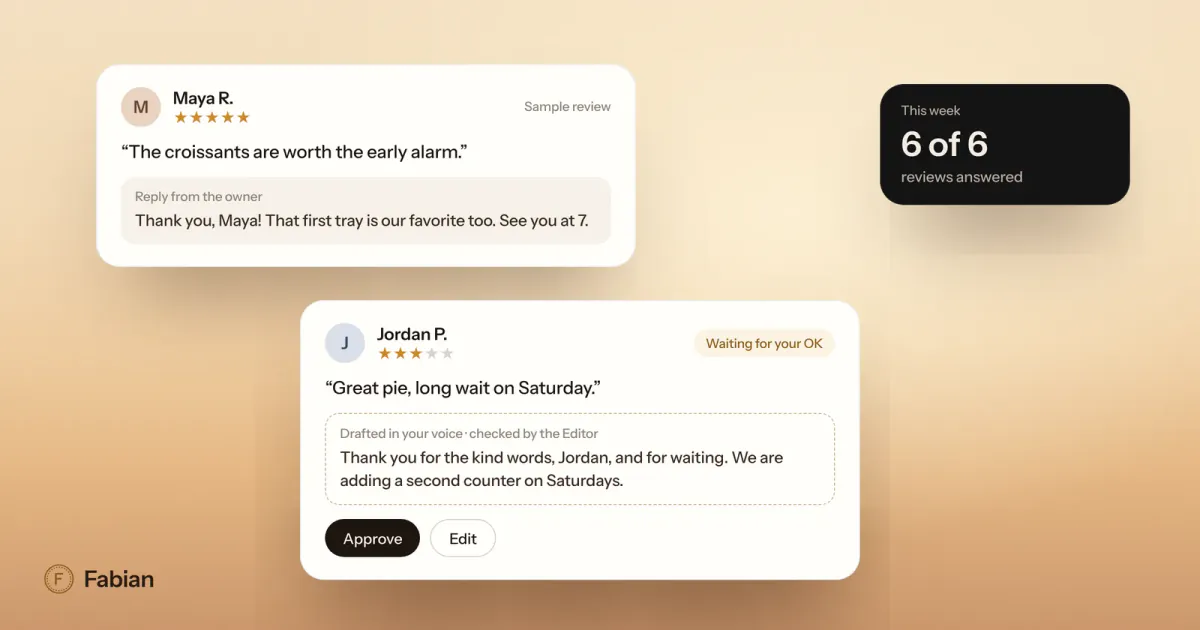
Reviews are part of your profile, and replying to them is on Google’s own list of ways to improve your local ranking. Reply to every one, good and bad, in your own voice. Our guide on how to respond to Google reviews has templates for each kind.
Answer the questions customers ask
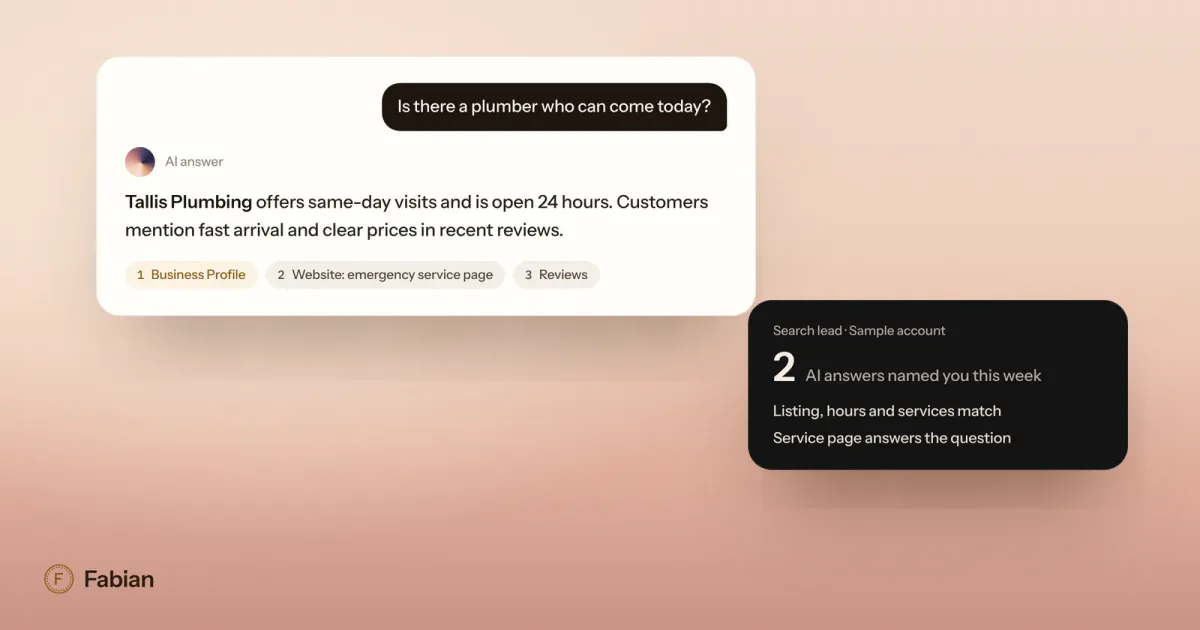
Questions are changing. Google has been winding down the old public questions and answers section on Business Profiles, and in Google Maps many profiles now show an Ask button that gives customers instant answers based on the business’s own answers and on relevant reviews. That makes your answers and your reviews do double duty: what you have told Google and what customers say about you is what it answers from. The same details feed AI assistants, which we cover in our guide to answer engine optimization for local businesses.
A fifteen-minute weekly routine
Once the profile is complete, keeping it that way is a short list:
- Check the next month for holidays or closures and set special hours.
- Add two or three new photos.
- Publish one post.
- Reply to every new review.
- Once a month, open the profile’s Performance view and read the search terms people used to find you, along with calls, direction requests and website clicks.
A complete profile is the foundation. Where you show up on the map depends on more than the profile, so the next step is our guide on how to rank higher on Google Maps.
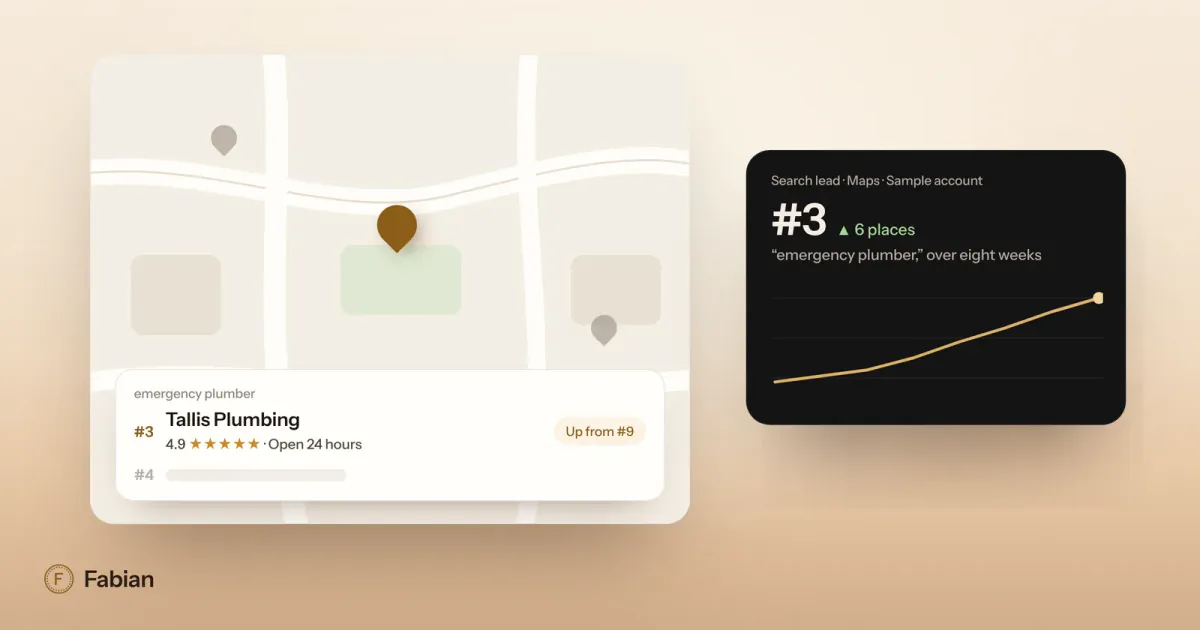
If the weekly routine is the part that keeps slipping, that is the work Fabian does every day. Its Search lead keeps your hours, holiday hours and photos current on Google and tracks your rankings, and nothing goes live without your OK.
Frequently asked questions
How long do Google Business Profile changes take to appear?
Google says a review of your edits usually takes about ten minutes, but it can sometimes take up to thirty days. Changing your category can also prompt Google to ask you to verify the business again. Make important changes, like holiday hours, well before the day they matter, and check the live profile afterward to confirm they went through.
How many categories should a Google Business Profile have?
Choose one primary category that is as specific as possible, then add only the additional categories that describe real parts of your business. Google allows up to nine more, but asks you not to add one for every product or service. For most small businesses, one primary category and a few additional ones are plenty. Your services list is the place for the full range of what you do.
What size should Google Business Profile photos be?
Google recommends photos of 720 by 720 pixels, in JPG or PNG, between 10 KB and 5 MB. The minimum is 250 by 250 pixels. Photos should be in focus, well lit and free of heavy filters or edits, so they show what a visit is really like. Videos can be up to 30 seconds long and 75 MB, at 720p or higher.
Do Google Business Profile posts expire?
Posts stay on your profile, but Google archives posts older than six months unless you give them a date range. Offers and events carry their own dates, so set them to match the real offer or event. A steady rhythm of one post a week keeps something recent on your profile and gives customers a reason to choose you today.
What should a service-area business do with its address?
Hide it. If you travel to customers and do not serve them at your location, Google asks you to hide your address and set a service area instead. The area should not extend farther than about two hours of driving from where you are based. Use one profile for the business, and never list a virtual office or a remote mailbox.